KB No. 2785: Enable "YouTube Restrict" in the proxy or DNS filtering
Enable "YouTube Restrict" in the Proxy or DNS filtering.
Background
As part of the Proxy or DNS Filtering , implement"YouTube restrict" mode.
Definition : Restricted (or secure) mode is an optional setting that allows you to exclude content on YouTube that may be intended for mature audiences. This may include content that you do not want to see or that you do not want other users of your device to have access to.
Source: https://support.google.com/youtube/answer/174084?hl=fr&ref_topic=9257520
Example : Search results for a keyword related to violence will be filtered based on moderated content.

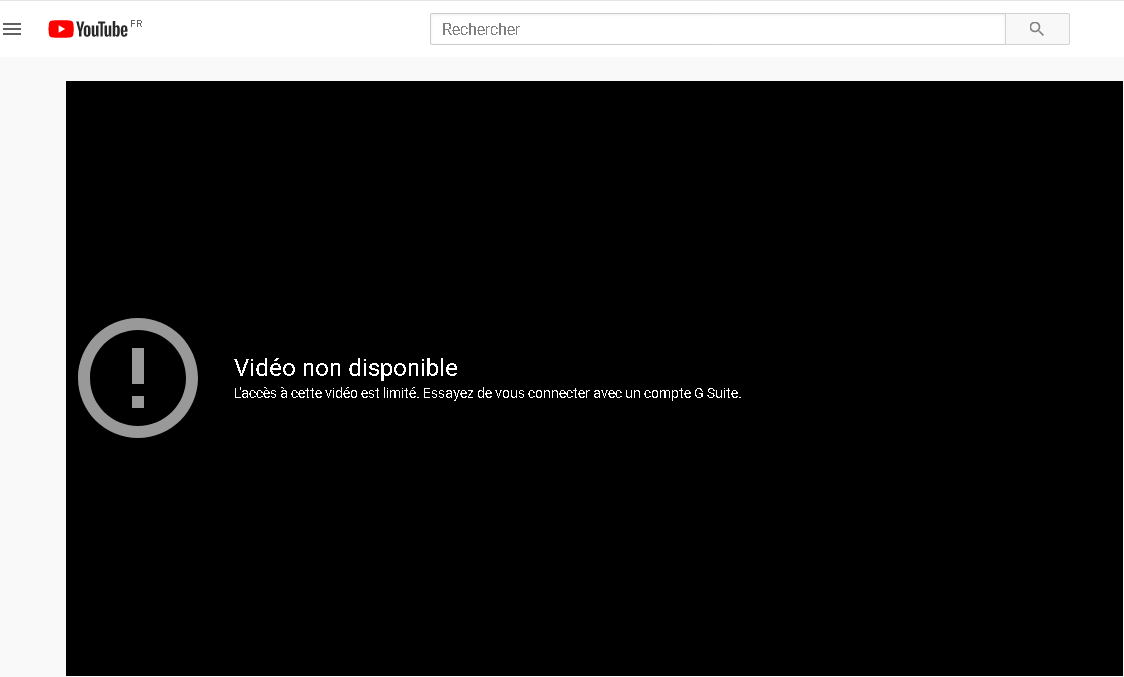
Limitations
- It is not possible to do this on a case-by-case basis;the feature will be enabled for all users.
- As part of the Proxy , it is essential to performHTTPS decryptionfor this directive to be functional.
- In the context of DNS filtering , activating theSafeSearchoption will not only activate"YouTube Restrict" mode, but alsoSafeSearchmode for the main search engines.
Steps
WEB FILTERING
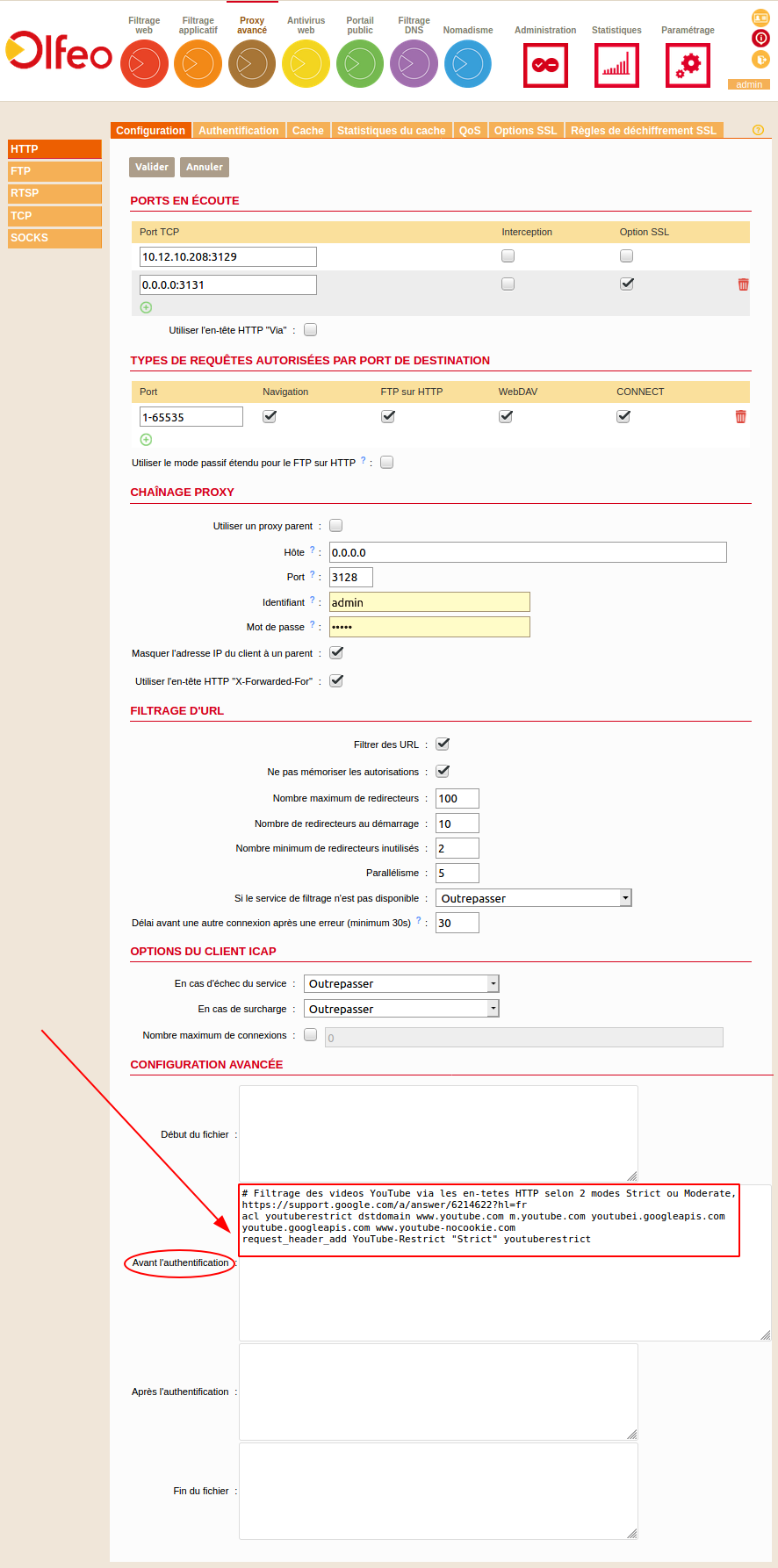
In Webadmin,Advanced Proxy menu>HTTP>Configuration>Advanced Configuration>Before Authentication, pastethefollowingACL:
# Filtering YouTube videos via HTTP headers in two modes: Strict or Moderate, https://support.google.com/a/answer/6214622?hl=fr
acl youtuberestrict dstdomain www.youtube.com m.youtube.com youtubei.googleapis.com youtube.googleapis.com www.youtube-nocookie.com
request_header_add YouTube-Restrict "Strict" youtuberestrict
DNS FILTERING
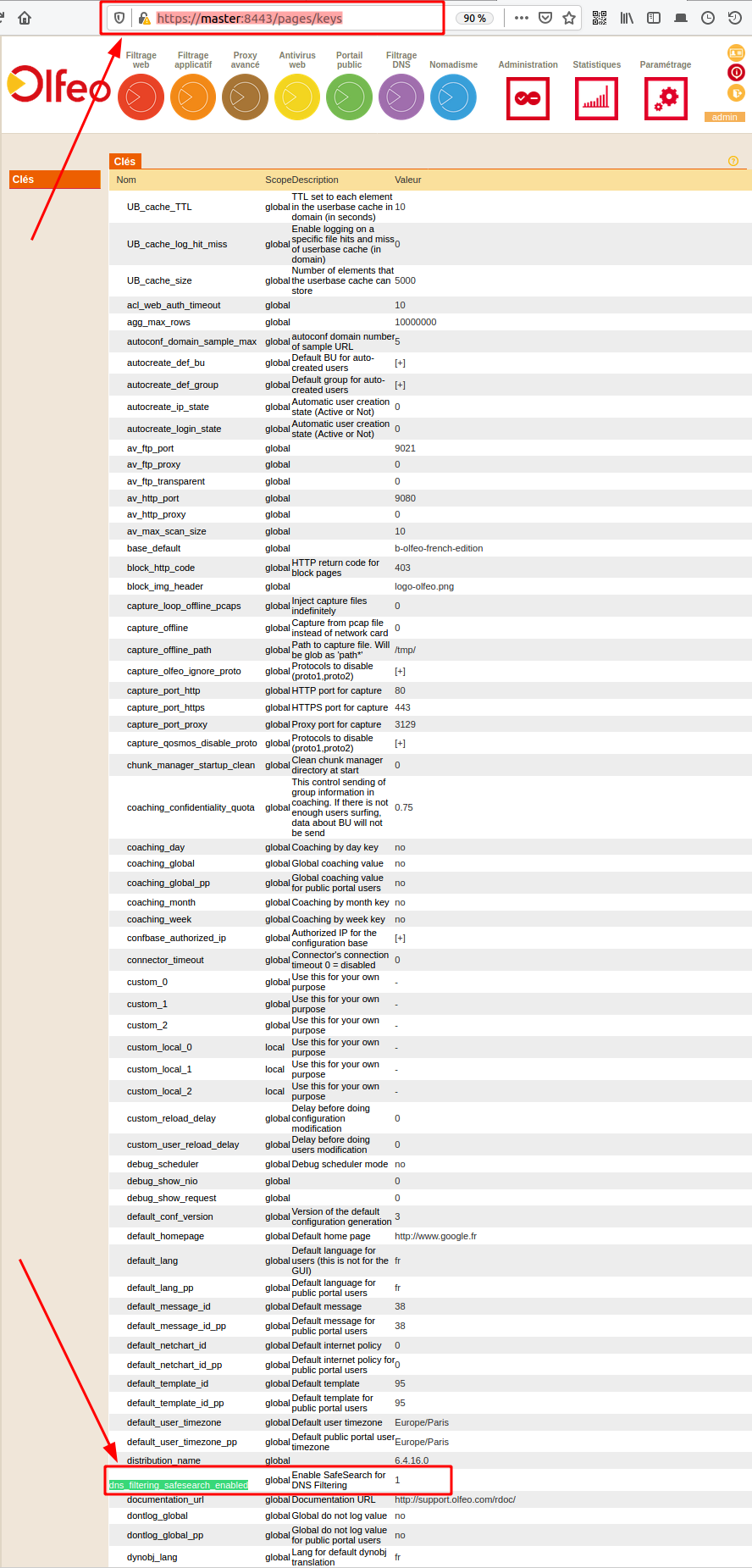
- In the browser's URL bar, enter the following URL: https://:8443/pages/keys
- Search for the line beginning with:dns_filtering_safesearch_enabled
- Set the key from 0 to 1.