
KB No. 1023: CREATING A CERTIFICATE FOR SSL DECRYPTION IN MS WINDOWS
How to create self-signed certificates with the XCA tool in order to set them up on Olfeo for SSL decryption.
Objective
Create the certificates required for the SSL decryption component to function in Windows.
STEPS
- Download and install the XCA tool: https://sourceforge.net/projects/xca/files/xca/1.3.2/setup_xca-1.3.2.exe/download.
- Once the tool is installed, launch it:
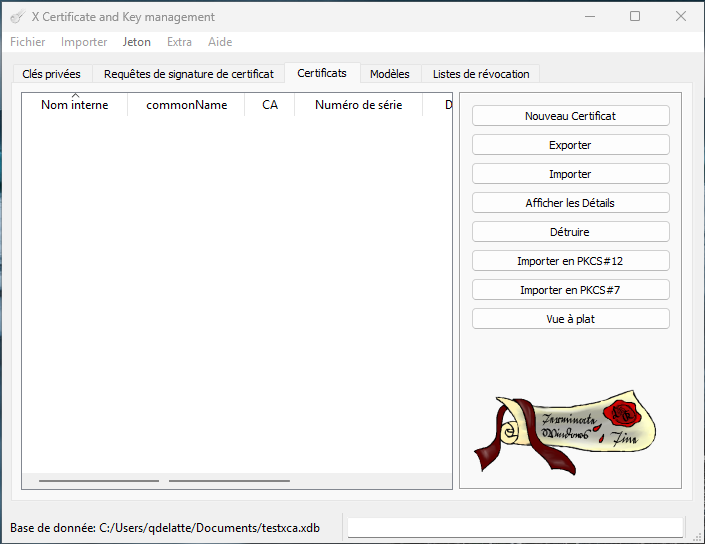
- Create a database: File > New Database.
- Create your certificate: Certificates > New Certificate.
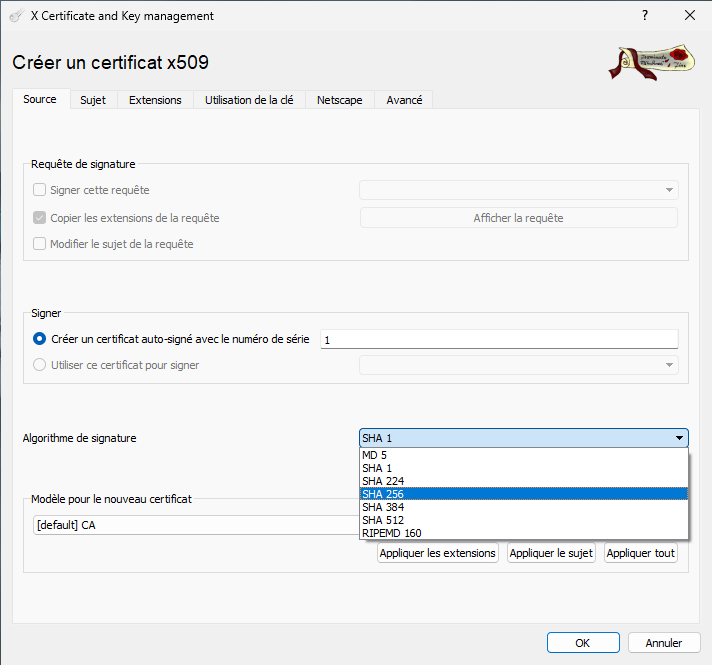
- In the tab Source, select the desired signature algorithm (recommended value: SHA 256):
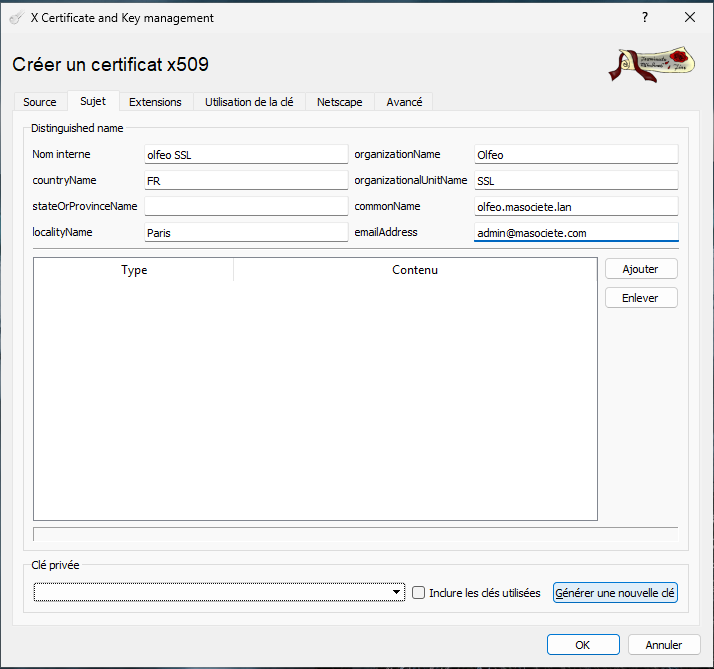
- In the tab Subject, enter the certificate information, then click Generate a new key :
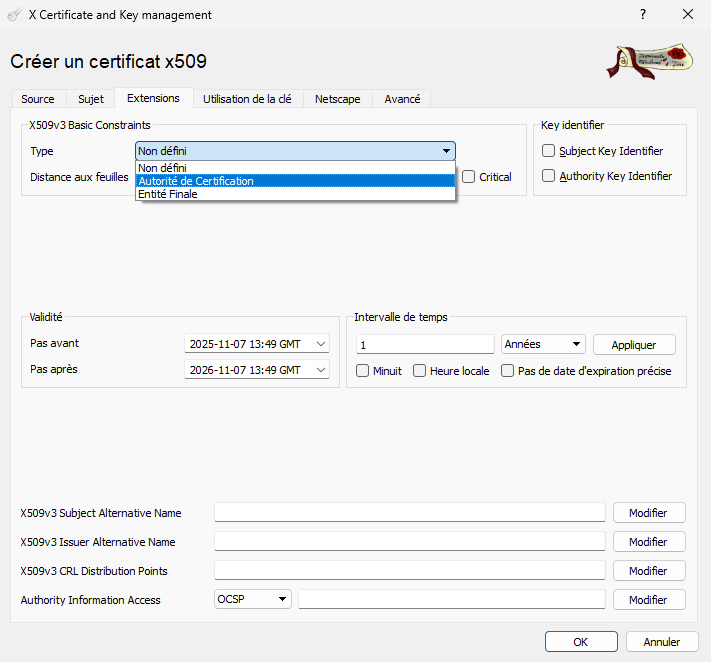
- In the tab Extensions, set the certificate's validity date and type. Certification authority :
- Click on OK.
Please note: We would like to draw your attention to the limitations set by Apple for macOS and iOS: the validity period of a certificate must be less than 398 days.
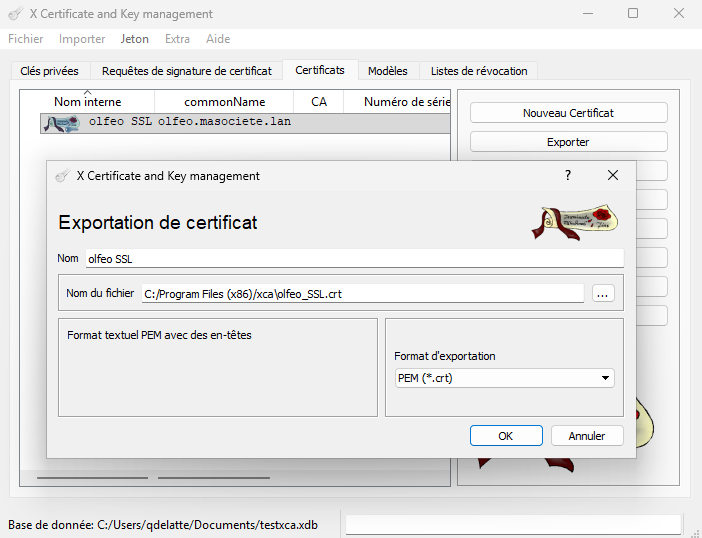
- Export the certificate and its key: in the tab Certificates, select the certificate, then click ExportKeep the default options and click OK :
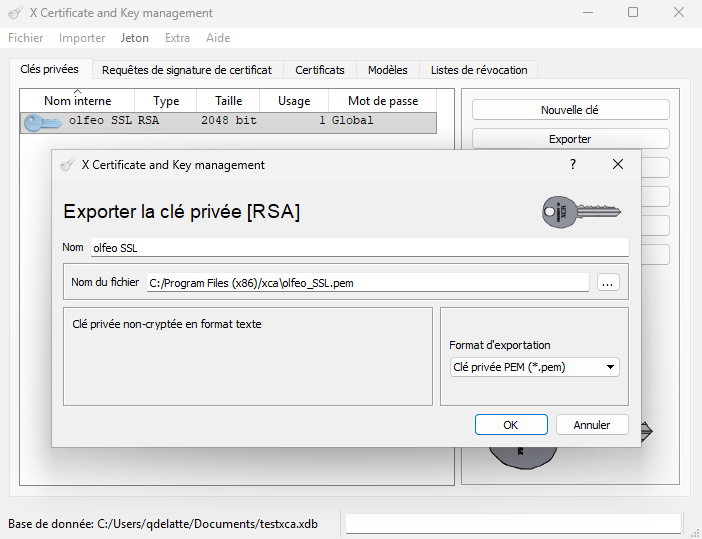
- In the tab Private keys, perform the same operation:
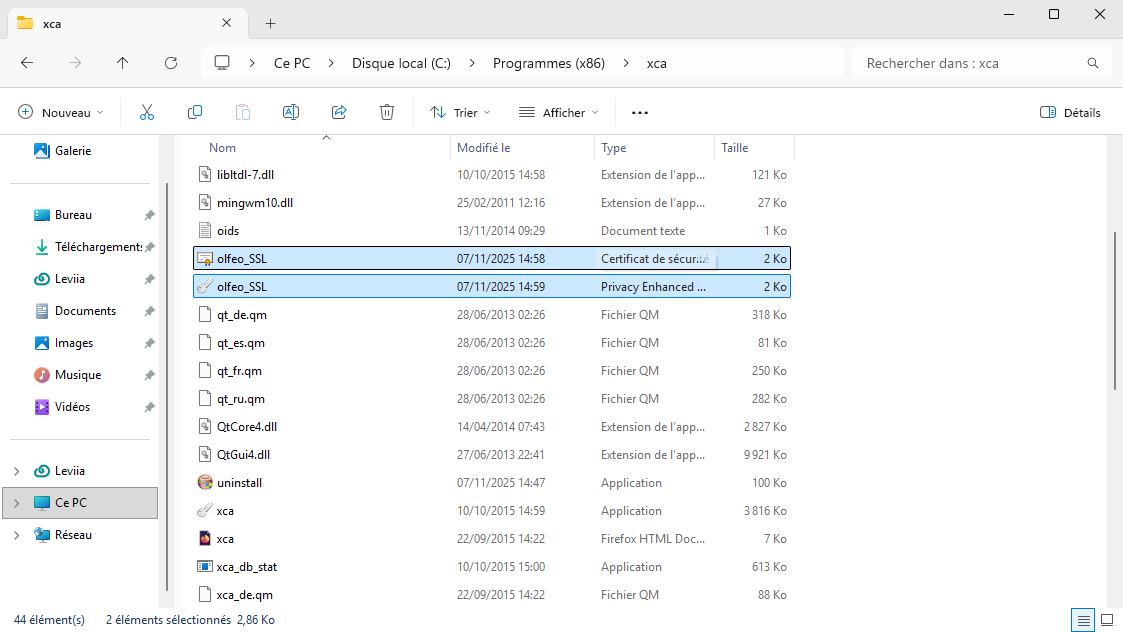
- The files were created in the directory C:\Program Files (x86)\xca :
- For Olfeo v7, the certificate is imported via the administration interface.

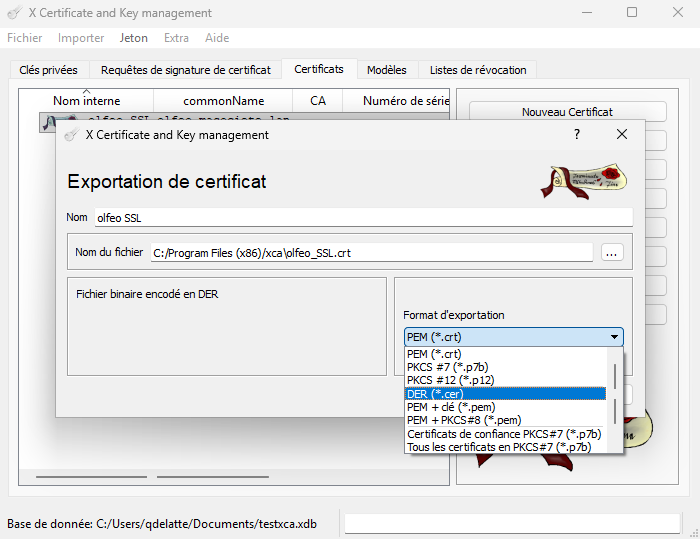
- Export the certificate in DER for client workstations:
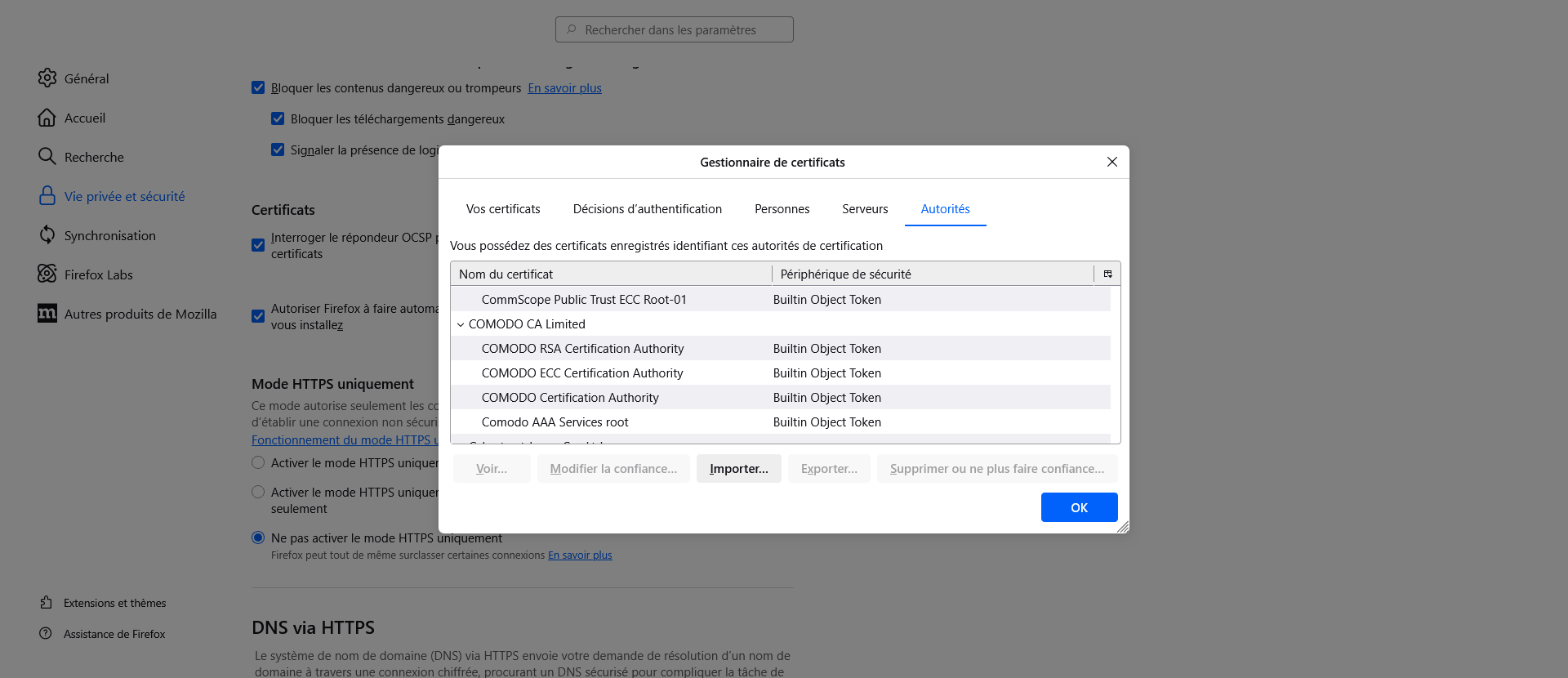
- Import it into the browser: Firefox : Be sure to select the correct tab. Authorities :
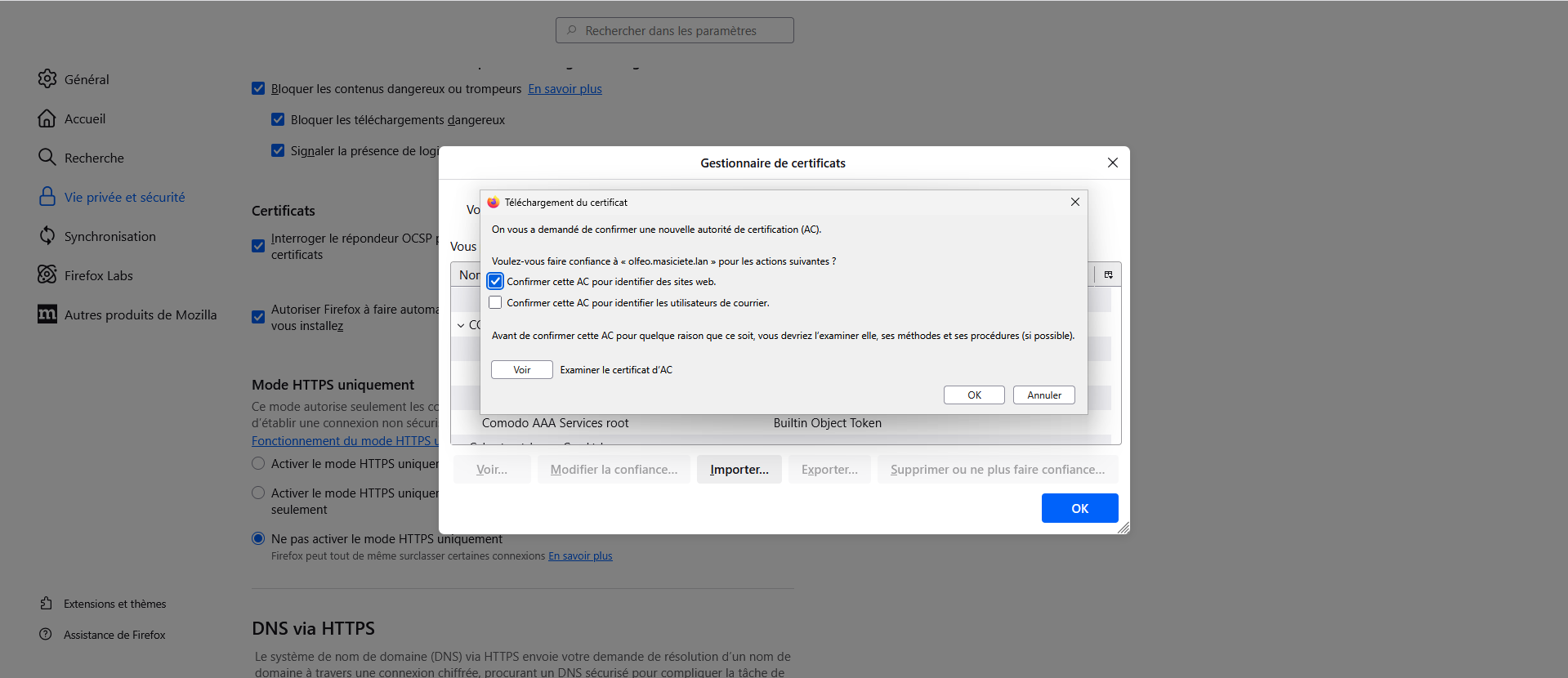
Then check Confirm this CA to identify websites.
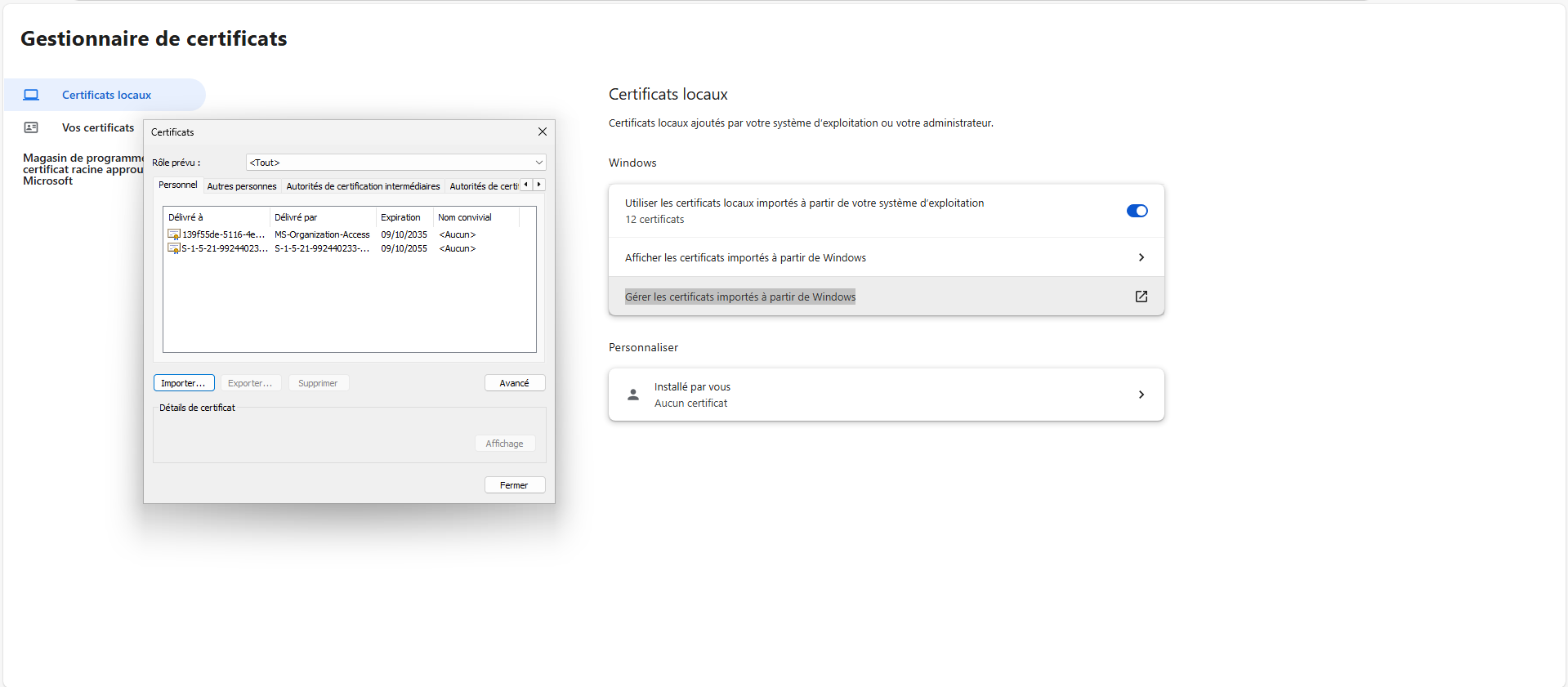
Edge: Settings > Privacy, search, and services > Security > Manage certificates, then Manage certificates imported from Windows:
Click on Import > Next :
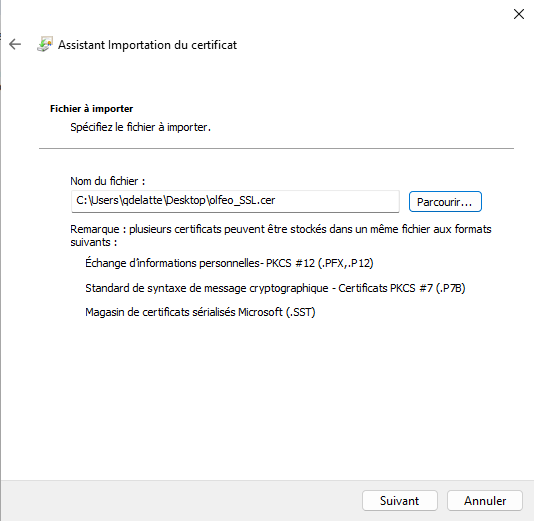
Then Next > Place all certificates in the following store > Browse… > Trusted root certification authorities
Click on OK then Finish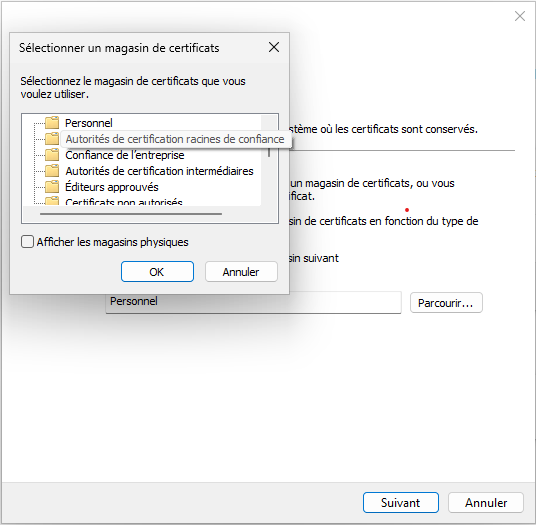
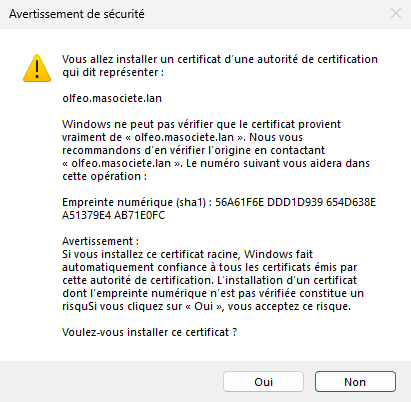
Finally, click on Yes.
VALIDATION
Launch Edge or Firefox, then connect to an HTTPS site. In the access.log, you will see access to the HTTPS site with a CONNECT, followed by the same site with a GET:
